StoryGraph vs Goodreads, for the books you find online
The StoryGraph and Goodreads both keep track of what you read, and both add a book on your phone: you search for it, or point the camera at it. Their App Store listings do not mention adding a book from a picture on a web page (read October 28, 2026). Buki does that one job in Chrome, and writes your shelf as a CSV with the columns of a Goodreads export.
 Get Buki free
Ten catches free. No account. Your shelf never leaves your browser.
How each one adds a book
| The StoryGraph | Goodreads | Buki | |
|---|---|---|---|
| With the phone camera | Its iPhone app reads a book's barcode | Its iPhone app reads a cover | No phone app |
| By typing | Search for it | Search by title, author or ISBN | Add a book by hand, by title or author |
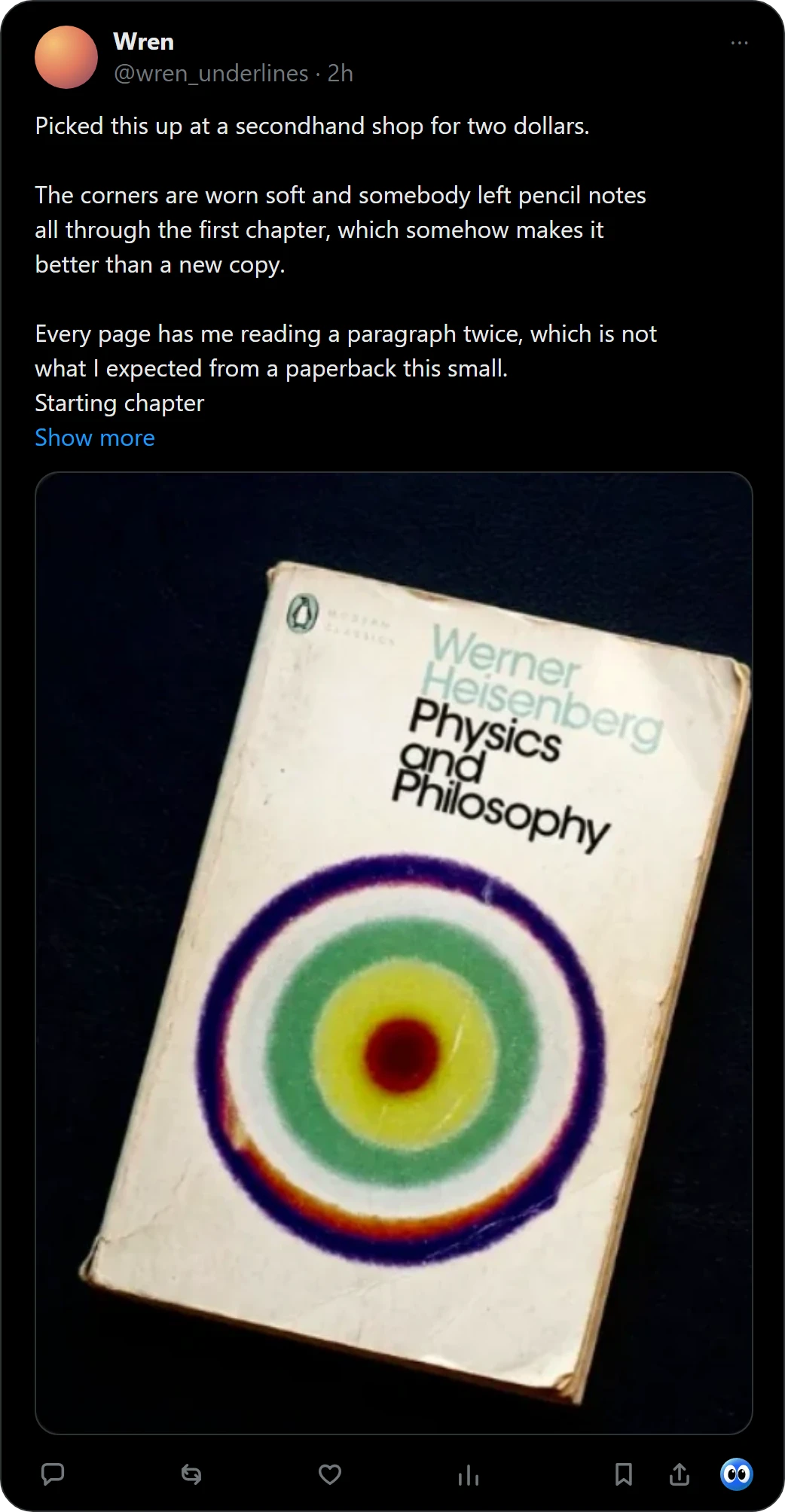
| From a picture on a web page | Not in its App Store listing | Not in its App Store listing | Right-click the picture, or one click under a post on X: up to 20 books from one photo |
| Shelves | To read, currently reading, read, did not finish | Want to Read, Currently Reading, Read, Did Not Finish, and lists of your own | Now, Next, Someday, Finished, and shelves you name |
| Cost | Free to download; Plus is an in-app purchase | Free to download | Ten catches free, then $29 a year, or $4 a month |
| Where it runs | Apps for iPhone and Android, and a website | Apps for iPhone and Android, and a website | Chrome on a computer |
What this table says about StoryGraph and Goodreads comes from their App Store listings and StoryGraph's roadmap, read on October 28, 2026, and their Google Play listings, read on November 1, 2026.
What this page compares
One thing: how a book gets onto your list. Reviews, friends and everything after that are a different comparison. Both apps are free to download, and StoryGraph imports your Goodreads shelves, so the quickest test is your own books in each.
Where Buki fits
- Catch the book where you see it. Right-click a picture of a book on any web page, or press Buki's mark under a post on X. For a book from X, Buki keeps a link to the post you found it in.
- Keep it on your shelf. Now, Next, Someday or Finished, on shelves you name. Nothing to sign up for.
- Move it when you like. Buki's settings write a CSV with the columns of a Goodreads export, finished books as read and the rest as to-read. Import it on Goodreads, or on StoryGraph, which imports Goodreads shelves.
Comparing Buki with Goodreads alone? Read a Goodreads alternative for books you find online.
Questions people ask
Is The StoryGraph better than Goodreads?
This page compares only how a book gets onto your list. Both apps are free to download, and StoryGraph imports your Goodreads shelves, so you can try both with your own books.
Can StoryGraph or Goodreads add a book from a picture?
On your phone, yes: Goodreads' iPhone app reads a cover, and StoryGraph's reads a barcode. Their App Store listings do not mention adding a book from a picture on a web page (read October 28, 2026).
Is there a StoryGraph Chrome extension?
StoryGraph's roadmap lists a reader's request for one, posted on March 12, 2021 (read October 28, 2026).
Can I move my Buki books into StoryGraph or Goodreads?
Buki's settings write a CSV with the columns of a Goodreads export: title, author, ISBN, shelf and date added, with finished books as read and the rest as to-read. Import it on Goodreads, or on StoryGraph, which imports Goodreads shelves. We have not run either import ourselves.
Does Buki need an account?
No. There is nothing to sign up for. Your shelf lives in your browser, on your computer.
Is Buki free?
Ten catches are free, and a catch is one picture, however many books it holds. Then $29 a year, or $4 a month, or free with your own Google AI Studio key.
Last updated
Get Buki free