A read-later shelf for books
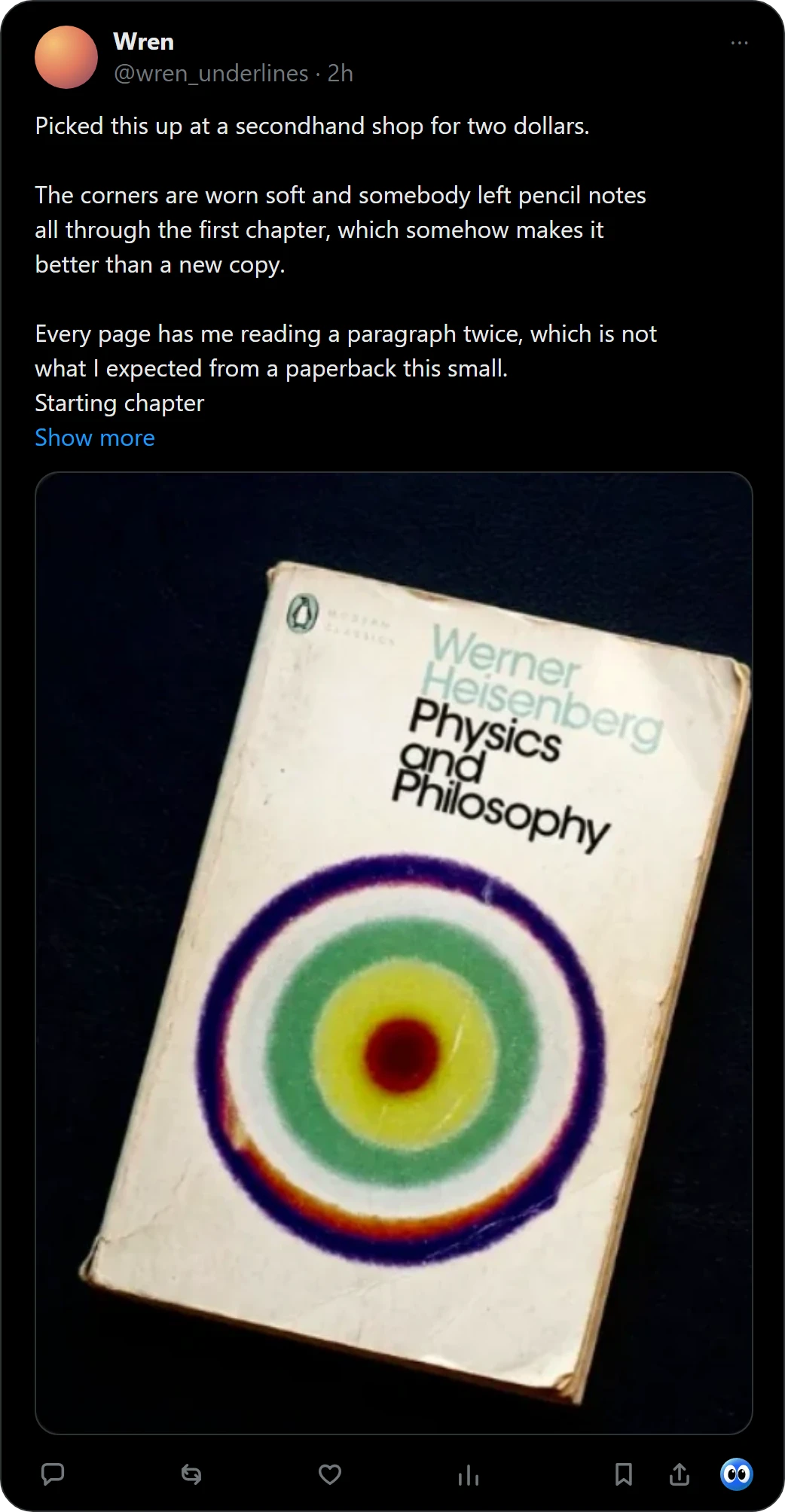
Pocket kept articles for later. Books need the same: a place to put the one you saw, so you can read it when you are ready. Right-click a picture of a book in Chrome, or press Buki's mark under a post on X, and Buki names the book, finds its cover and keeps it on a shelf in your browser.
 Get Buki free
Ten catches free. No account. Your shelf never leaves your browser.

What happened to Pocket
Mozilla announced it would phase out Pocket, its read-it-later app: "Pocket shuts down July 8, 2025", with exports open until October 8, 2025 (Mozilla's blog, read November 1, 2026).
Read later, for books
| Pocket did | Buki does | |
|---|---|---|
| What it keeps | Articles | Books, with their covers |
| How | A button on a page | A right-click on a picture, or one click under a post on X |
| Where it lives | An account | Your browser, with no account |
One picture can hold up to 20 books, and you keep the ones you want. For a book from X, Buki keeps a link to the post you found it in. Piles called Now, Next and Someday keep the list in order.
Questions people ask
Is Pocket still available?
No. Mozilla's blog says Pocket shut down on July 8, 2025.
What can I use instead of Pocket for books?
Buki keeps the books you see online on a shelf in your browser, to read later.
Does Buki save articles?
No. Buki keeps books.
Is Buki free?
Ten catches are free, and a catch is one picture, however many books it holds. Then $29 a year, or $4 a month, or free with your own Google AI Studio key.
Does Buki need an account?
No. There is nothing to sign up for. Your shelf lives in your browser, on your computer.
Does Buki work on my phone?
No. Buki is a Chrome extension for computers.
Last updated
Get Buki free