A Chrome extension for the books you see online
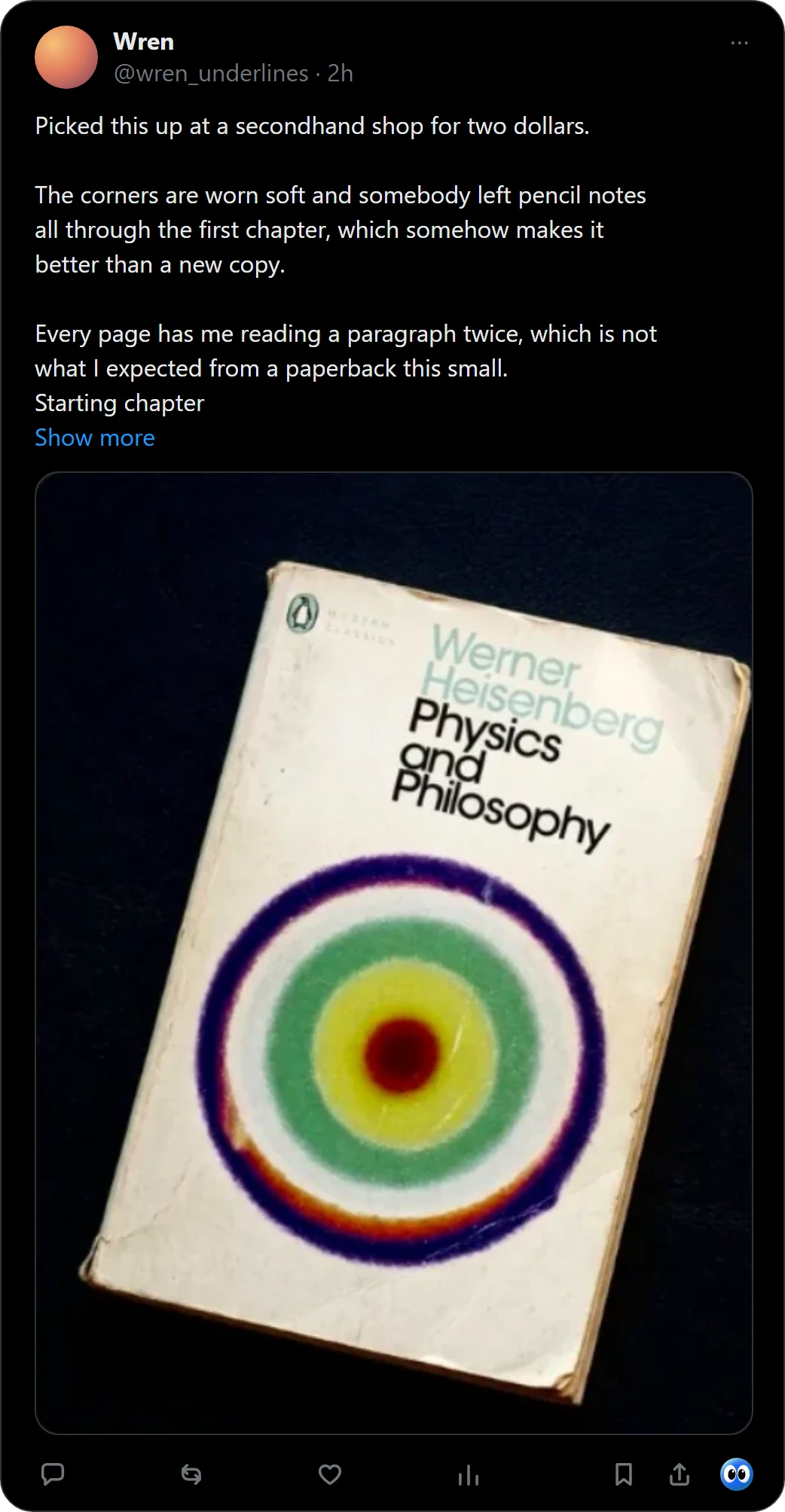
Buki adds one thing to Chrome: a way to keep a book the moment you see it. Press its button on a post on X, or right-click any picture, and Buki names the book and puts it on your shelf.
 Get Buki free
Ten catches free. No account. Your shelf never leaves your browser.
What it does
- Names the books in a picture, up to 20 in one photo, and checks each one against OpenLibrary.
- On X, reads the post's words too, so a book the cover hides can still be found.
- Keeps them on a shelf in its popup: Reading now, Next, Someday and Finished, and shelves you name.
- Shares a shelf as a picture or a list, and exports a CSV for Goodreads or StoryGraph.
What it does not do
- It does not download books, PDFs or e-books.
- It looks at a picture only when you press its button or right-click it.
- It never posts, follows or shares anything for you.
- It does not run on phones: it is a Chrome extension for computers.
Questions people ask
Can a Chrome extension download books for free?
Buki does not download books. It names the book in a picture and keeps it on your list, so you can find it at a library or a bookshop.
Which sites does Buki work on?
Any site with a picture: right-click it and choose Save book to shelf. On X, a Buki button sits under each post, and Buki reads the post's words too.
Is it free?
Ten catches are free, and a catch is one picture, however many books it holds. Then $29 a year, or $4 a month, or free with your own Google AI Studio key.
Does it need an account?
No. Your shelf lives in your browser, on your computer.
Can I take my list somewhere else?
Yes. Buki exports a CSV in Goodreads' format, which StoryGraph reads too.
What does Buki send, and where?
The picture you ask about, and on X the post's words, go to an AI vision model (Google's Gemini, unless you add your own key); then the book's title and author go to OpenLibrary, to check it and find its cover and genre. Buki also does that once for books saved earlier.
Last updated
Get Buki free