How to save a book you see online
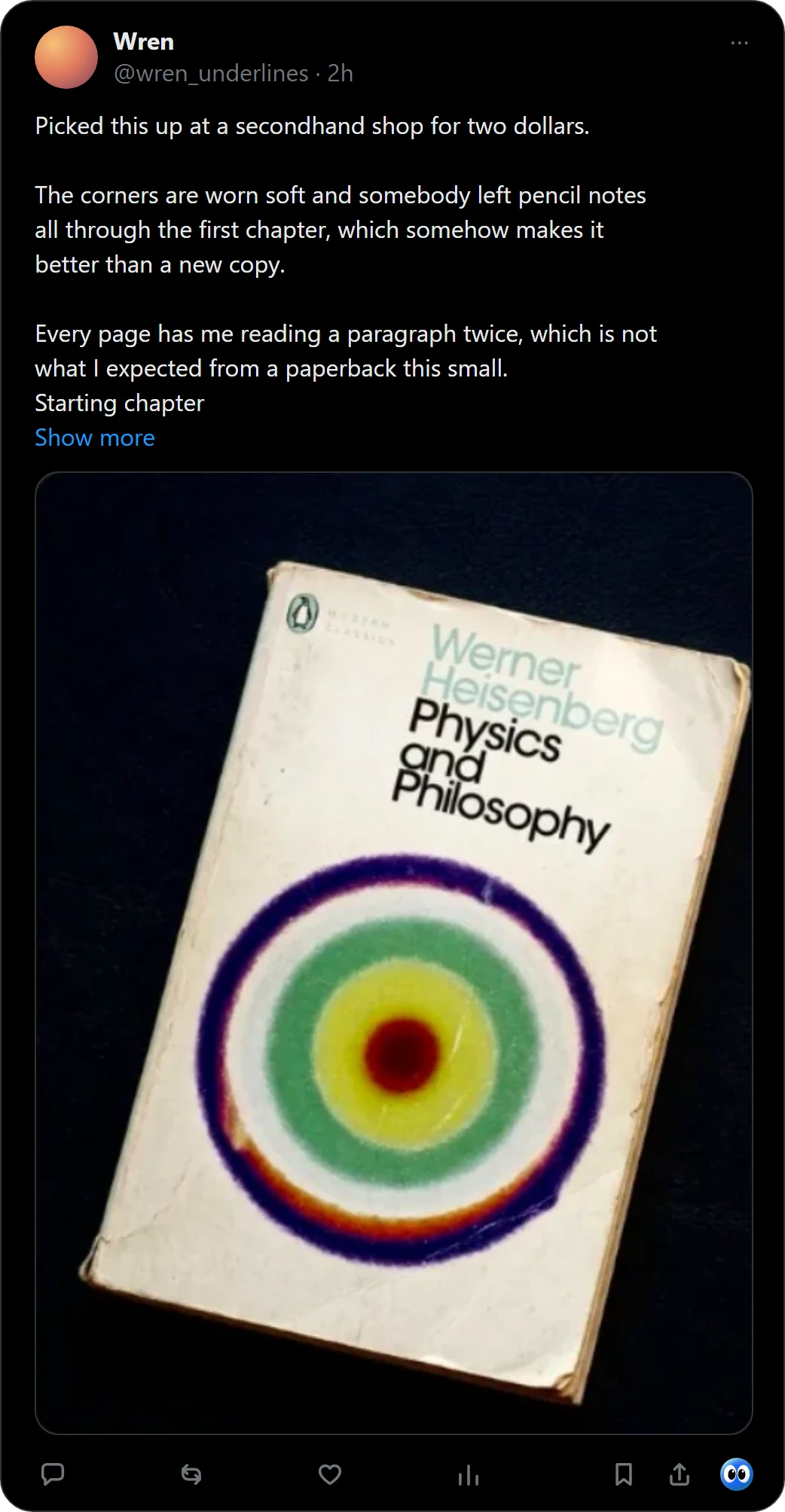
You see a book in a post or a photo, screenshot it or save the post, and a month later you cannot find it, or remember why you wanted it. Buki keeps the book itself: right-click the picture in Chrome, and Buki names the book and puts it on your shelf with the page you found it on.
 Get Buki free
Ten catches free. No account. Your shelf never leaves your browser.
Where saved books get lost
| How you save it | What you keep | What you lose |
|---|---|---|
| A screenshot | The picture | A title you can search for, while the picture sinks into your camera roll |
| A bookmark or a saved post | The post | The title, in one long list with everything else you saved |
| A notes app or Goodreads | A title you can search for | The reason, unless you typed that in too |
| Buki | The title, read from the picture, and the page you found it on | Nothing you have to type |
How to save a book with Buki
- Add Buki to Chrome. Ten catches are free, with no account and no card.
- Catch the book. Right-click its picture on any site and choose Save book to shelf. On X, press the Buki button under the post instead.
- Check the name. Buki reads the cover with an AI vision model and checks the title against OpenLibrary, so you see the book it found before you keep it.
- Find it again. Open Buki from the toolbar: every book you caught, face out, under Reading now, Next, Someday and Finished.
Questions people ask
What is the easiest way to save a book I see online?
Catch it from the picture. With Buki in Chrome, right-click the cover and choose Save book to shelf, or press the Buki button under a post on X. Buki names the book and keeps it on your shelf.
How do I remember why I wanted a book?
Keep where you found it. Buki keeps the page every book was caught on, and on X it keeps a link to the post you found it in, so the reason is one click away.
What if the picture shows a stack of books?
Buki names up to 20 books in one picture, and you keep the ones you want.
Do I need an account?
No. Your shelf lives in your browser, on your computer.
Is it free?
Ten catches are free, and a catch is one picture, however many books it holds. Then $29 a year, or $4 a month, or free with your own Google AI Studio key.
Can I move my list to Goodreads or StoryGraph?
Yes. Buki exports a CSV in Goodreads' format, which StoryGraph reads too.
Last updated
Get Buki free