A TBR list for the books you find online
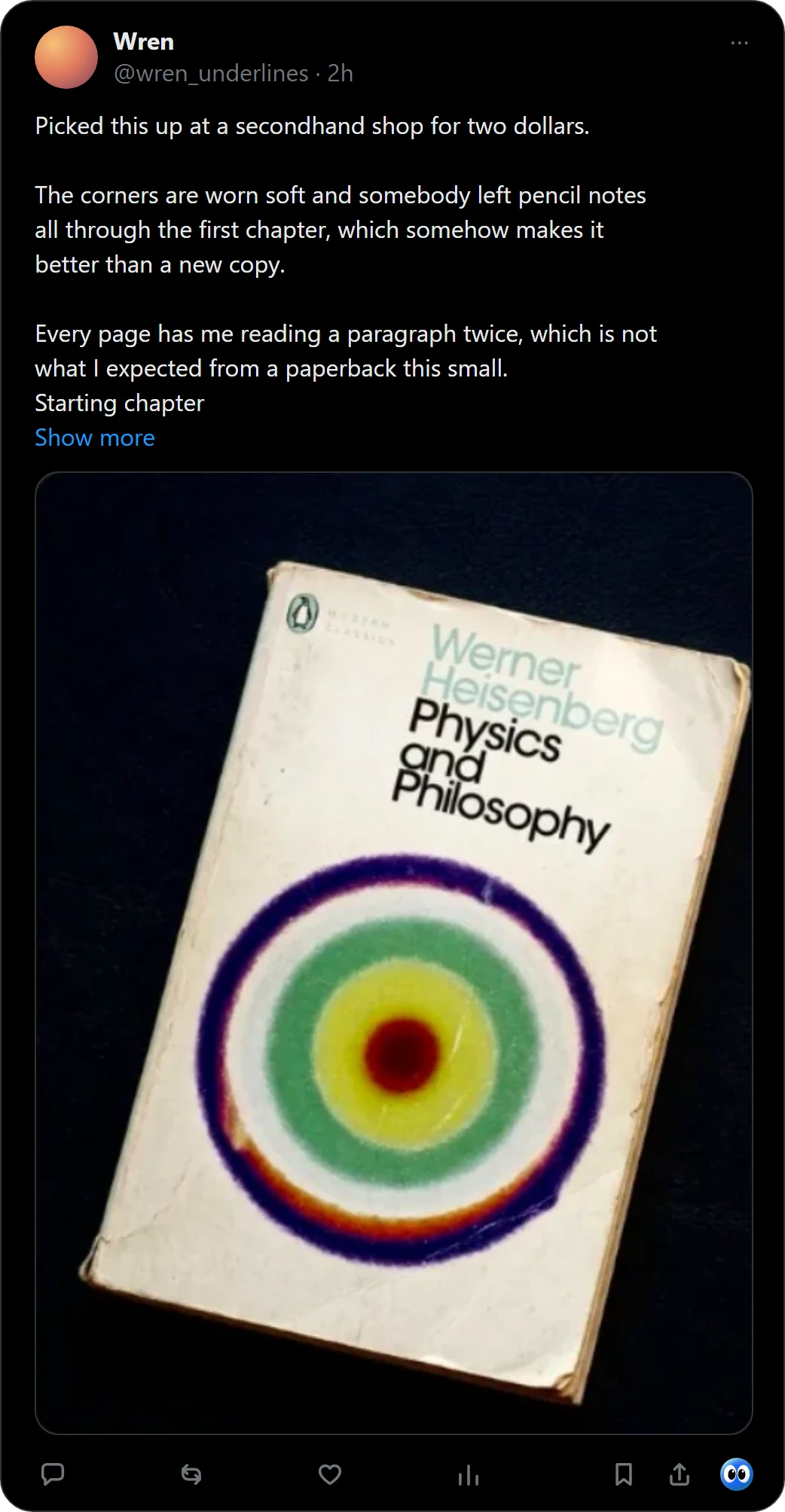
Your to-be-read list grows in posts, photos and screenshots, and most of it ends up lost in your bookmarks. Buki names the book in a picture with one click and keeps it on a shelf in your browser, with a note of where you found it.
 Get Buki free
Ten catches free. No account. Your shelf never leaves your browser.

How it works
- See a book. In a post on X, press the Buki button under it. Anywhere else, right-click the picture and choose Save book to shelf.
- Buki names it. It reads the covers, up to 20 books in one photo, and checks each one against OpenLibrary.
- Save it. To All books, or to a shelf you named. A book you catch waits in Someday until you move it.
A list the way readers keep one
- Four statuses: Reading now, Next, Someday and Finished.
- Shelves you name, like Business or Fiction, with a book on as many as you like.
- A filter by status, genre and the site you found the book on.
- For a book from X, the post you found it in.
- A shelf you can share as a picture or a list, and a CSV for Goodreads or StoryGraph.
Questions people ask
What is a TBR list?
TBR means to be read: the books you mean to read next. People keep one in a notes app, a spreadsheet, Goodreads or StoryGraph.
Is there a free TBR list app?
Yes. Goodreads and StoryGraph have free plans. Buki is free for ten catches, then $29 a year, or $4 a month, and your shelf, the shelves you name and the export stay free on every plan.
Does Buki work on iPhone or Android?
No. Buki is a Chrome extension for computers.
How many books can Buki catch from one photo?
Up to 20, and a photo of a whole stack counts as one catch.
Where is my list kept?
In your browser, on your computer. There is no account, and no copy of your shelf anywhere else.
Can I move my list to Goodreads later?
Yes. Buki exports a CSV in Goodreads' format, which StoryGraph reads too.
Last updated
Get Buki free