StoryGraph vs Fable, for the books you find
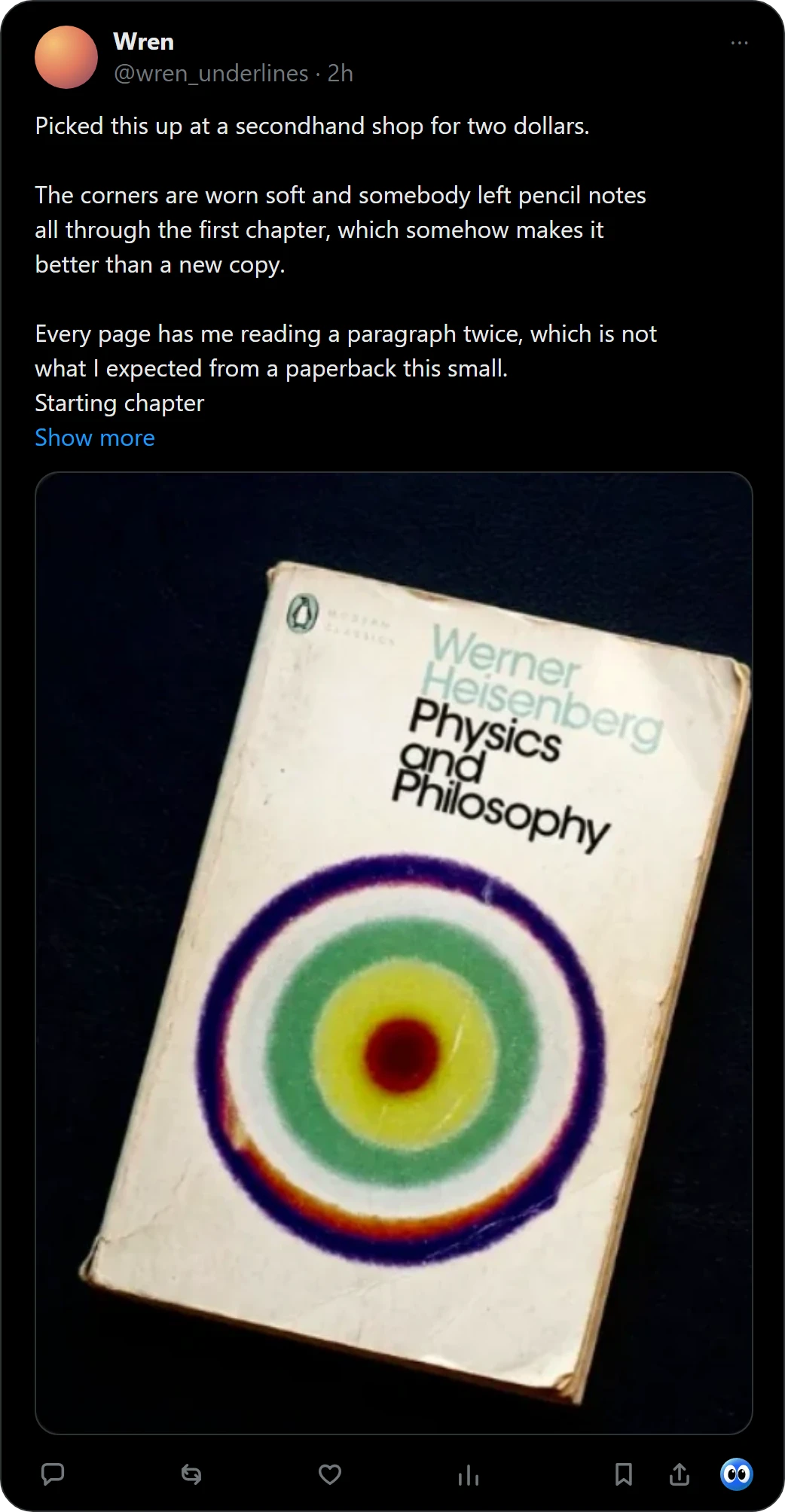
StoryGraph and Fable both keep what you want to read, and both import from Goodreads. Neither starts from a picture you see online. Right-click a picture of a book in Chrome, or press Buki's mark under a post on X, and Buki names the book, finds its cover and keeps it on a shelf in your browser.
 Get Buki free
Ten catches free. No account. Your shelf never leaves your browser.
How each one adds a book
| StoryGraph | Fable | |
|---|---|---|
| On your phone | Its iPhone app reads a barcode | Find it in the app |
| In Chrome | A reader asked for an extension on its roadmap in March 2021 | A Chrome extension that adds books from book pages |
| From Goodreads | Imports your Goodreads shelves | Imports your Goodreads lists and reviews |
StoryGraph's iPhone app reads a book's barcode, and its App Store listing says it will import your currently-reading, read, to-read and did-not-finish shelves from Goodreads (read October 28, 2026).
Fable's help centre says it "now has a Chrome Browser Extension that will easily allow you to add books to your lists", and that the extension works best on book pages. Fable says it "will remain free to use", with an upgrade called Fable Plus.
Where Buki fits
Buki adds the books neither one sees: the ones in a photo on a feed or a blog. Buki's settings write your shelf as a CSV with the columns of a Goodreads export: title, author, ISBN, shelf and date added. StoryGraph imports Goodreads shelves; we have not run that import ourselves.
Also compared: Goodreads vs Fable and StoryGraph vs Goodreads.
Add a book you saw online
- Catch it. Right-click a picture of a book in Chrome, or press Buki's mark under a post on X, and Buki names the book, finds its cover and keeps it on a shelf in your browser.
- Keep it where it belongs. Save it to All books, or to a shelf of your own such as StoryGraph next. One picture can hold up to 20 books, and you keep the ones you want. For a book from X, Buki keeps a link to the post you found it in.
- Take it with you. Buki's settings write your shelf as a CSV with the columns of a Goodreads export: title, author, ISBN, shelf and date added.
Questions people ask
Which is better, StoryGraph or Fable?
This page compares only how a book gets onto your list. Try both with your own books: each one imports from Goodreads.
Does StoryGraph have a Chrome extension?
StoryGraph's roadmap lists a reader's request for one, posted on March 12, 2021 (read November 1, 2026).
Does Fable have a Chrome extension?
Yes. Fable's help centre says it adds books to your lists from book pages.
Can Buki send books to StoryGraph?
Buki's settings write your shelf as a CSV with the columns of a Goodreads export: title, author, ISBN, shelf and date added. StoryGraph imports Goodreads shelves. We have not run that import ourselves.
Is Buki free?
Ten catches are free, and a catch is one picture, however many books it holds. Then $29 a year, or $4 a month, or free with your own Google AI Studio key.
Does Buki need an account?
No. There is nothing to sign up for. Your shelf lives in your browser, on your computer.
Last updated
Get Buki free