Chrome's reading list, and a list for books
Chrome's reading list saves web pages to read later: open a page, choose More, Bookmarks and lists, Reading list, then Add tab to reading list (Chrome Help, read November 6, 2026). It saves pages. Buki saves books, each with a title, an author and a cover, from the pictures you see.
 Get Buki free
Ten catches free. No account. Your shelf never leaves your browser.
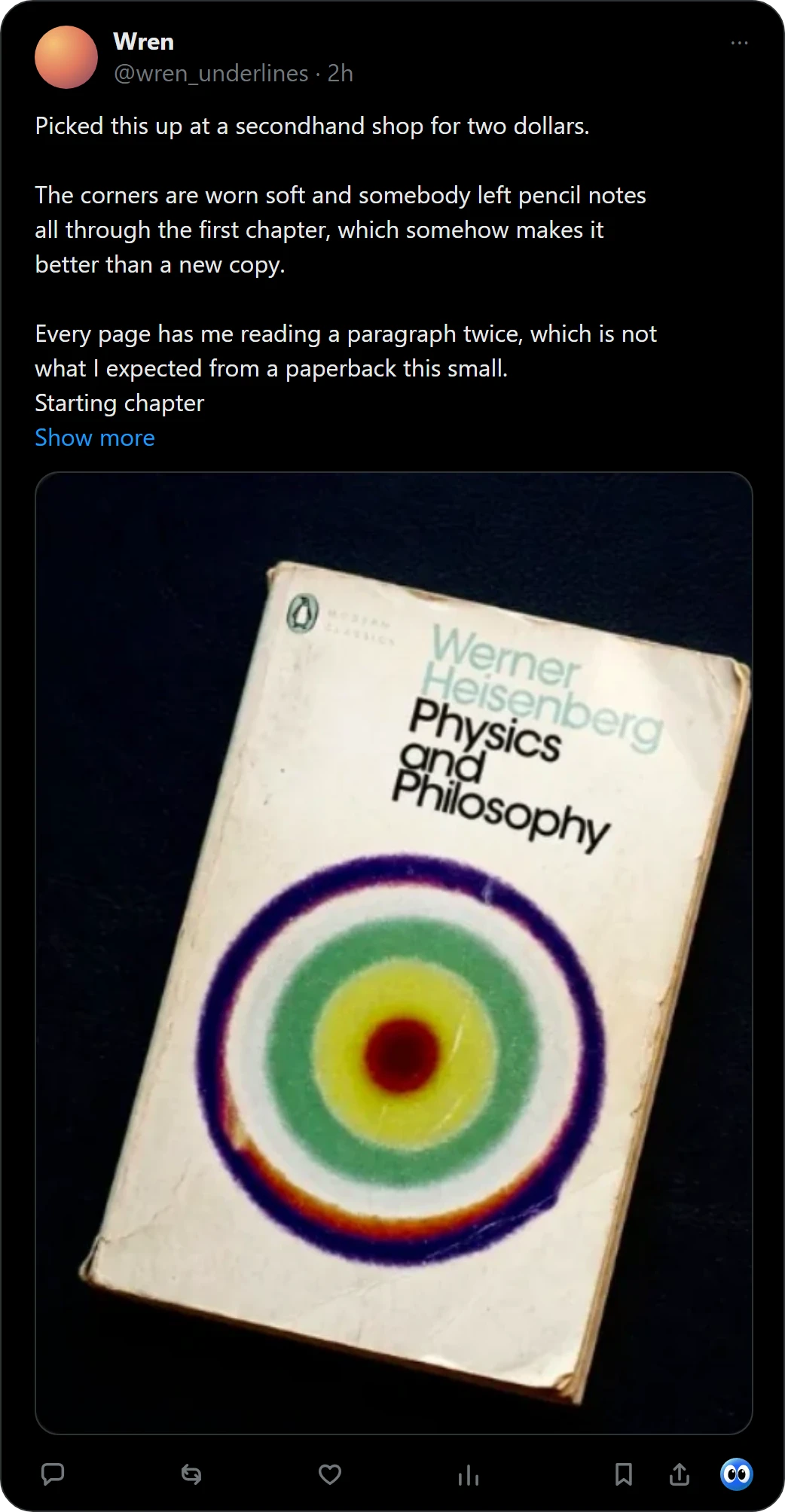
Add a page to Chrome's reading list
- Open the page. Go to the page you want to read later.
- Add it. At the top right, select More, then Bookmarks and lists, then Reading list, then Add tab to reading list. You can also right-click the tab and choose Add tab to reading list.
- Find it again. Select More, Bookmarks and lists, Reading list, then Show reading list. Chrome Help says you can reorder, edit and delete items from the side panel.
Source: Chrome Help, "Read pages later and offline", on a computer (support.google.com/chrome/answer/7343019, read November 6, 2026).
Pages and books
| Chrome's reading list | Buki | |
|---|---|---|
| What it keeps | A web page | A book: title, author and cover |
| How it gets in | Add tab to reading list, from the More menu or by right-clicking the tab | Right-click a picture of the book, or one click under a post on X |
| How you arrange it | Reorder, edit and delete from the side panel | Shelves you name, and Now, Next, Someday and Finished inside each |
Add a book instead
- Catch it. Right-click a picture of a book in Chrome, or press Buki's mark under a post on X, and Buki names the book, finds its cover and keeps it on a shelf in your browser.
- Keep it where it belongs. Save it to All books, or to a shelf of your own such as Wishlist. One picture can hold up to 20 books, and you keep the ones you want. For a book from X, Buki keeps a link to the post you found it in.
- Take it with you. Buki's settings write your shelf as a CSV with the columns of a Goodreads export: title, author, ISBN, shelf and date added.
Use both
Keep Chrome's reading list for articles and Buki for books. A book you read about on a page can go to Buki by right-clicking a picture of its cover.
Saved articles: Pocket for books.
Questions people ask
How do I add a page to Chrome's reading list?
Open the page, then select More, Bookmarks and lists, Reading list, and Add tab to reading list (Chrome Help, read November 6, 2026).
Can I keep books in Chrome's reading list?
You can add a page about a book, and the entry is the page. Buki keeps the book itself: title, author and cover, from a picture of it.
Is Buki a reading list extension?
It is a reading list for books. It does not save web pages. It reads a picture of a book, finds the book and keeps it on a shelf in your browser.
Does Buki replace Chrome's reading list?
No. They keep different things, and they work side by side.
Is Buki free?
Ten catches are free, and a catch is one picture, however many books it holds. Then $29 a year, or $4 a month, or free with your own Google AI Studio key.
Does Buki need an account?
No. There is nothing to sign up for. Your shelf lives in your browser, on your computer.
Last updated
Get Buki free