An offline book tracker, with one limit
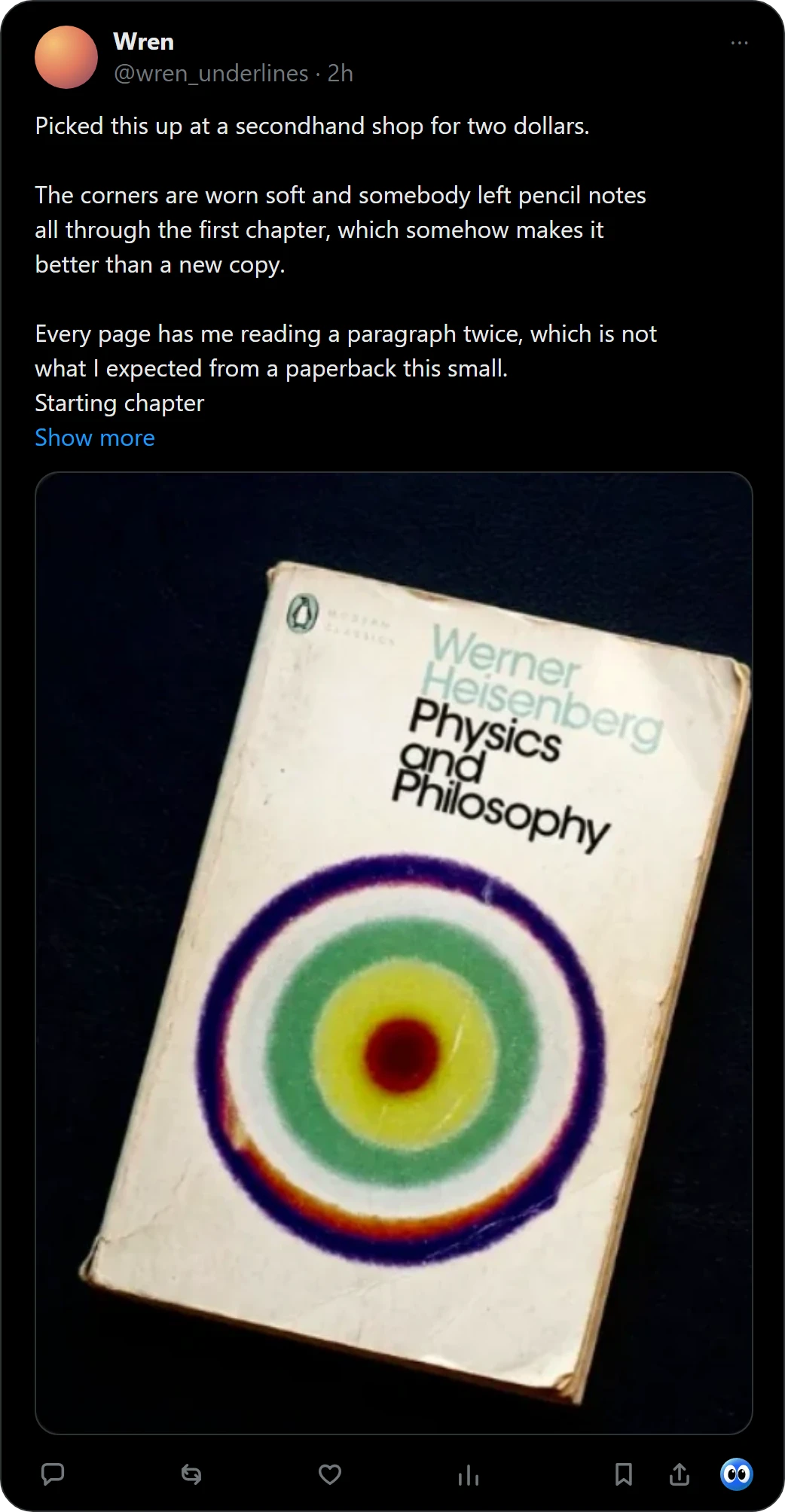
Buki keeps your shelf on your computer, so it opens with no connection. Catching a new book needs the internet, because the picture goes to an AI vision model and the book is checked against a catalogue. Right-click a picture of a book in Chrome, or press Buki's mark under a post on X, and Buki names the book, finds its cover and keeps it on a shelf in your browser.
 Get Buki free
Ten catches free. No account. Your shelf never leaves your browser.

What works with no connection
| Works offline? | Why | |
|---|---|---|
| Open your shelf | Yes | The shelf is stored in your browser, and the popup reads it from there |
| Move a book to another pile or shelf | Yes | It changes what is stored on your computer |
| Share a picture or a list | Yes | Buki draws it on your computer, and nothing is uploaded |
| Write the CSV | Yes | Buki writes the file from the shelf on your computer |
| Catch a book from a picture | No | The picture goes to an AI vision model, and the book is checked against OpenLibrary |
| Add a book by searching | No | The search asks a catalogue, OpenLibrary |
| A cover Buki has not kept yet | No | Covers are fetched once and then kept on your computer. A book without one shows a drawn cover |
Why a catch needs the network
The AI vision model does not run on your computer. The picture goes to Buki's server, or to Google if you use your own Google AI Studio key. Then the book is checked against OpenLibrary, and against Google Books when OpenLibrary has no record of it. Either way the picture leaves your computer, so it needs a connection.
Catch online, read anywhere
- Catch it. Right-click a picture of a book in Chrome, or press Buki's mark under a post on X, and Buki names the book, finds its cover and keeps it on a shelf in your browser.
- Keep it where it belongs. Save it to All books, or to a shelf of your own such as Summer reads. One picture can hold up to 20 books, and you keep the ones you want. For a book from X, Buki keeps a link to the post you found it in.
- Open the shelf anywhere. Once a book is on the shelf, it opens with no connection. A shelf lives in one browser on one computer and is never synced, so a second computer has its own.
Keep a copy
Uninstalling Buki deletes the shelf, so write the CSV first if you want a copy.
More: a book tracker for desktop and a virtual bookshelf.
Questions people ask
Does Buki work offline?
Your shelf does: it opens with no connection. Catching a new book needs the internet.
Is my shelf stored on a server?
No. It lives in your browser, on your computer, with no account and no sync.
Why does catching a book need the internet?
The picture goes to an AI vision model, and the book is checked against a catalogue. Neither runs on your computer.
Does the shelf sync between my computers?
No. A shelf stays in the browser where you made it, and a second computer has its own.
Can I keep a copy of my shelf?
Yes. Buki's settings write your shelf as a CSV with the columns of a Goodreads export: title, author, ISBN, shelf and date added. Uninstalling Buki deletes the shelf, so write the file first.
Is Buki free?
Ten catches are free, and a catch is one picture, however many books it holds. Then $29 a year, or $4 a month, or free with your own Google AI Studio key.
Last updated
Get Buki free