A book wishlist for the books you see online
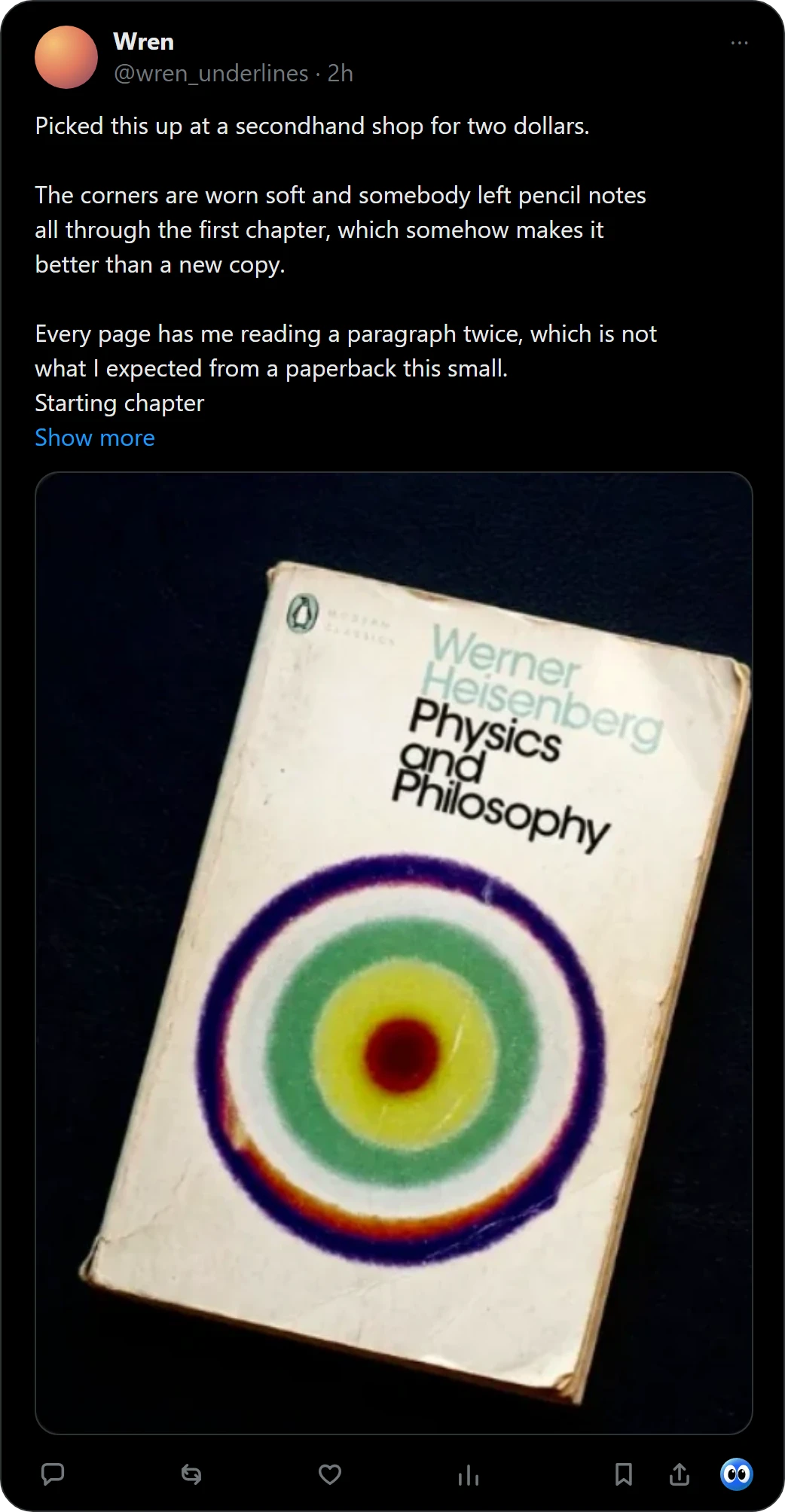
The hard part of a book wishlist is the first step: you see a book in a picture, then have to type its title somewhere. Buki starts from the picture. Right-click it, or press Buki's mark under a post on X, and the book is on your shelf with its cover, one click from Bookshop.org or Amazon.
 Get Buki free
Ten catches free. No account. Your shelf never leaves your browser.

Ways to keep a book wishlist
| How a book gets in | What you keep | |
|---|---|---|
| A notes app | You type the title | The words you typed |
| A store's wish list | You add it from that store's page | That store's listing |
| Screenshots | A key press | A picture, with no title |
| Buki | Right-click the picture, or one click under a post on X | Title, author and cover, with a link to buy it |
Keep a wishlist with Buki
- Make a shelf called Wishlist. Shelves of your own sit beside All books in Buki's popup.
- Catch books into it. Buki's card offers your shelves beside All books. One photo can hold up to 20 books, and you keep the ones you want. For a book from X, Buki keeps a link to the post you found it in.
- Buy when you are ready. Each book you have not finished links to Bookshop.org or Amazon, whichever you choose in Settings. Buki may earn a small commission on a buy link.
- Share it. Share makes a picture or a list of a shelf, for a birthday or a book club.
Keeping books to read rather than to buy? Read the TBR list app page.
Questions people ask
Is Buki a free book wishlist app?
Ten catches are free, and a catch is one picture, however many books it holds. Then $29 a year, or $4 a month, or free with your own Google AI Studio key.
Can I keep my wishlist apart from what I'm reading?
Yes. Make a shelf of your own, such as Wishlist, and save to it from Buki's card. Your reading piles stay as they are.
Where do the buy links go?
To Bookshop.org or to Amazon, whichever you choose in Buki's settings, for every book you have not finished. Buki may earn a small commission on a buy link.
Can I share my wishlist?
Yes. Share makes a picture or a list of a shelf, and you decide where it goes. Buki never posts anything for you.
Does Buki work on my phone?
No. Buki is a Chrome extension for computers.
Does Buki need an account?
No. There is nothing to sign up for. Your shelf lives in your browser, on your computer.
Last updated
Get Buki free