A list of the books you have read
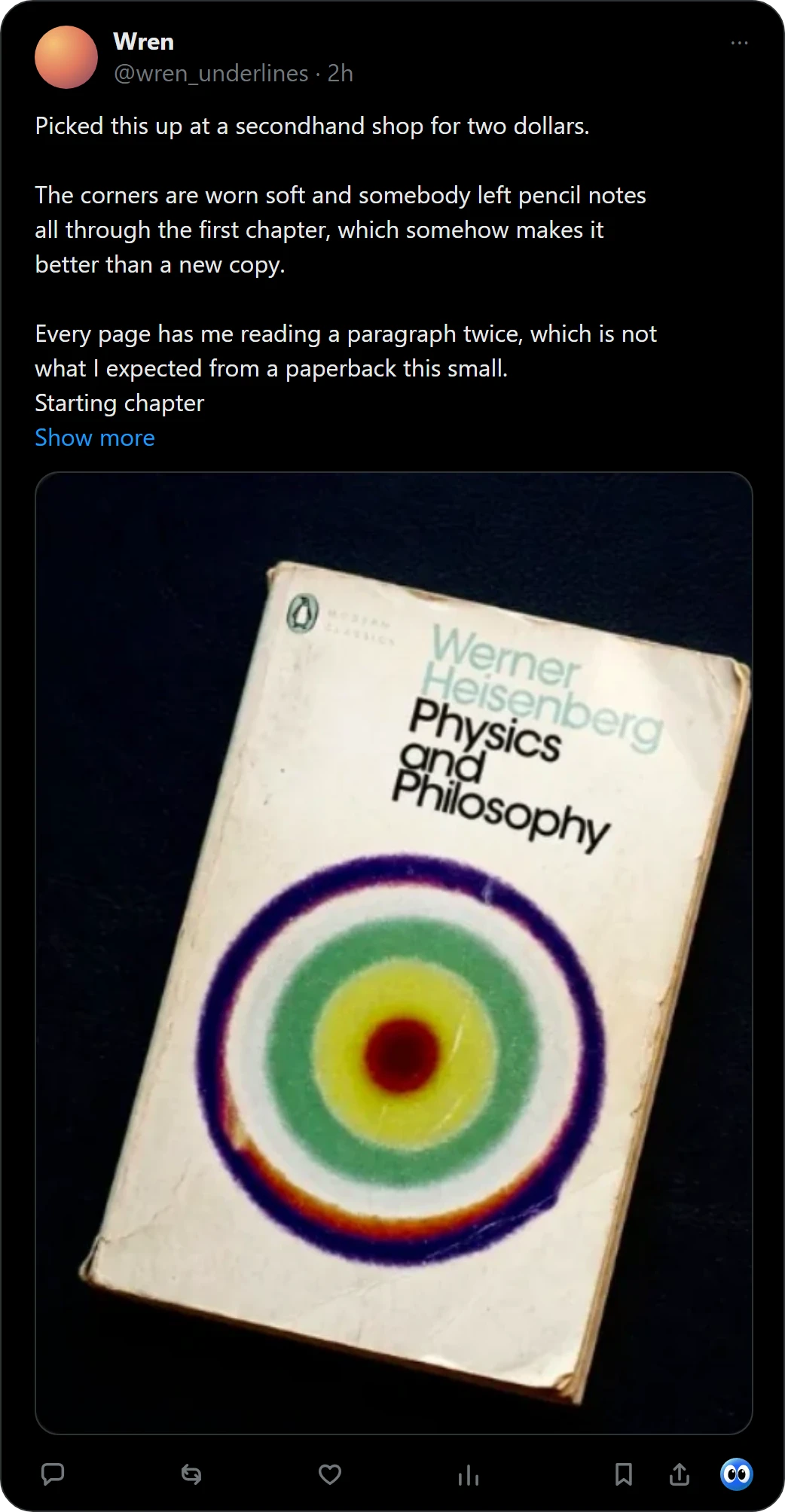
A list of books you have read starts as a list of books you meant to read. Buki keeps both: catch a book when you see it, and move it to Finished when you are done. Right-click a picture of a book in Chrome, or press Buki's mark under a post on X, and Buki names the book, finds its cover and keeps it on a shelf in your browser.
 Get Buki free
Ten catches free. No account. Your shelf never leaves your browser.

How it works
- Catch it. Right-click a picture of a book in Chrome, or press Buki's mark under a post on X, and Buki names the book, finds its cover and keeps it on a shelf in your browser.
- Keep it where it belongs. Save it to All books, or to a shelf of your own such as Book club. One picture can hold up to 20 books, and you keep the ones you want. For a book from X, Buki keeps a link to the post you found it in.
- Move it to Finished. When you finish a book, move it to the Finished pile. That pile is your list of books read.
Take the list anywhere
Buki's settings write your shelf as a CSV with the columns of a Goodreads export: title, author, ISBN, shelf and date added. Finished books are written with the shelf read, and the rest to-read.
Also: an Excel book tracker and share a reading list.
Questions people ask
How do I keep a list of books I have read?
In Buki, move a book to Finished when you are done. The Finished pile is the list.
Can I add a book I read before I had Buki?
Yes, if you have a picture of it: catch it and move it to Finished.
Can I share the list?
Yes. Share makes a picture or a list of a shelf, and you decide where it goes.
Can I take my books out of Buki?
Yes. Buki's settings write your shelf as a CSV with the columns of a Goodreads export: title, author, ISBN, shelf and date added.
Is Buki free?
Ten catches are free, and a catch is one picture, however many books it holds. Then $29 a year, or $4 a month, or free with your own Google AI Studio key.
Does Buki work on my phone?
No. Buki is a Chrome extension for computers.
Last updated
Get Buki free